
The portal
What you can see in it
Features
Where the project stands
Progress photographs and site records, dated as they are taken. You can see what happened last week without calling anybody.
Dated progress photographs
Each stage is photographed as it is done, so the record is built while the work happens rather than assembled afterwards.
Stages as they clear
Foundation, slab, roof, finishes. You are told as each one is reached instead of having to ask where things are.
Open it on your phone
The same record on a phone as on a laptop, which is what matters when you are checking from another time zone.
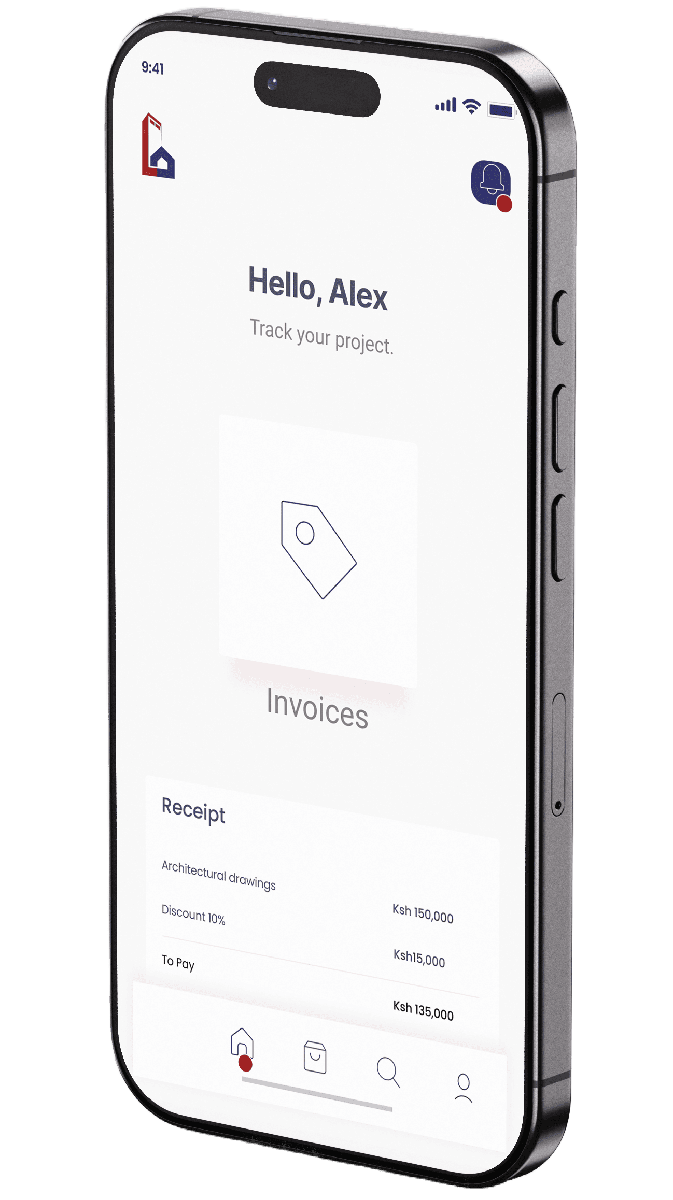
Where the money stands
Your cost position against the bill of quantities, with variations raised and signed before anything is spent.
Spent against priced
What has gone out, line by line, against what was costed in the bill of quantities. You can see the position without waiting for a statement.
Invoices and payments in one list
Every invoice raised and every payment received, in order, with nothing left for you to reconcile by hand.
Variations before the money moves
A change is costed and signed off before it is built. That is the whole point of raising it: so there is nothing to explain at the end of the job.
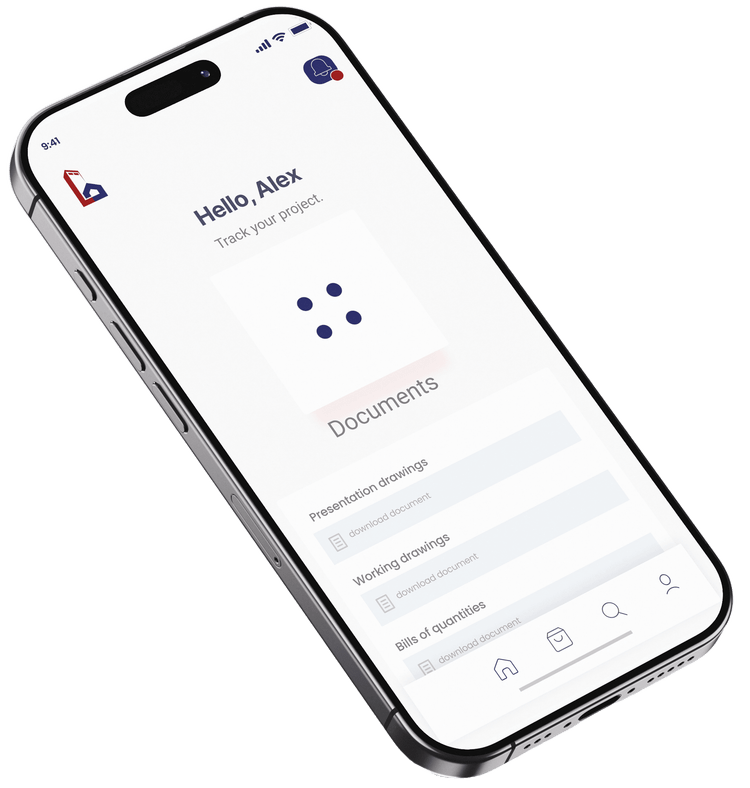
Every document in one place
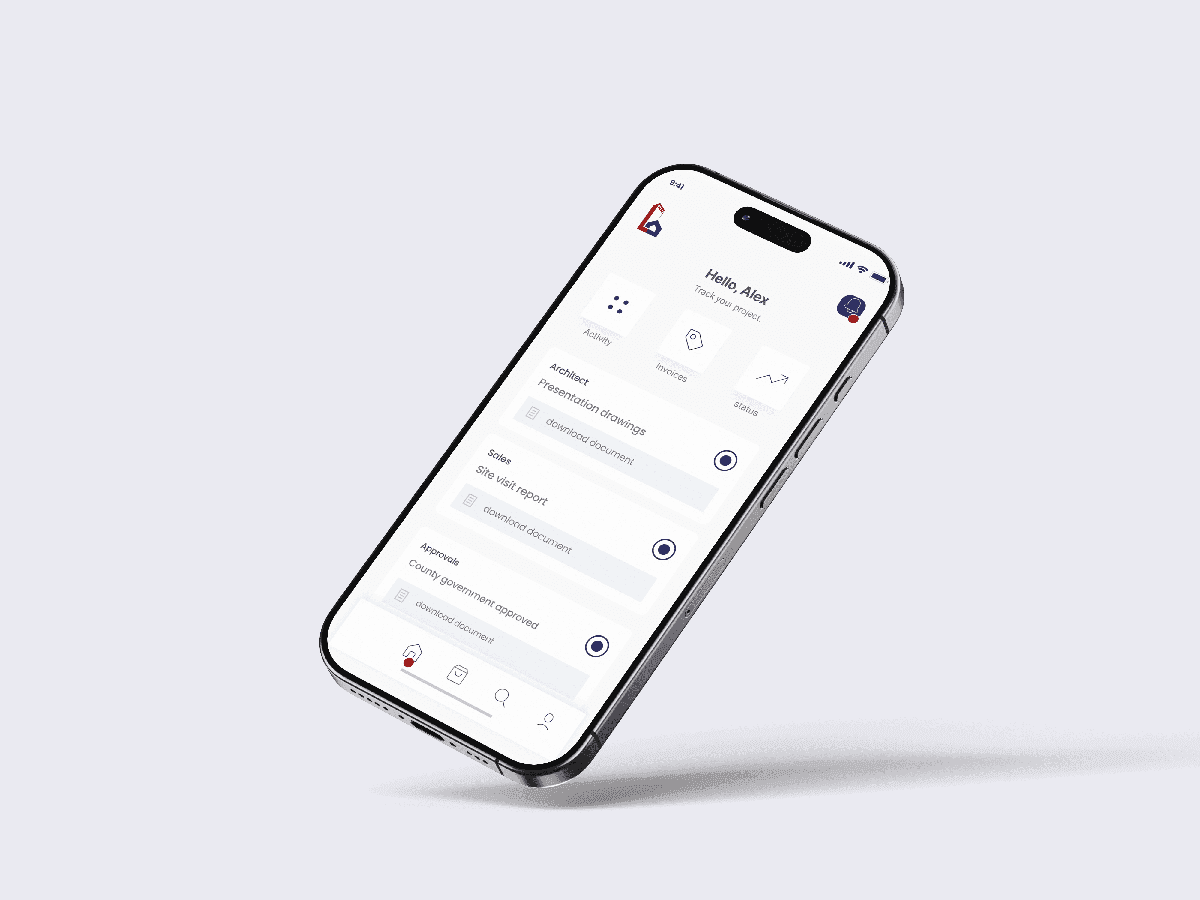
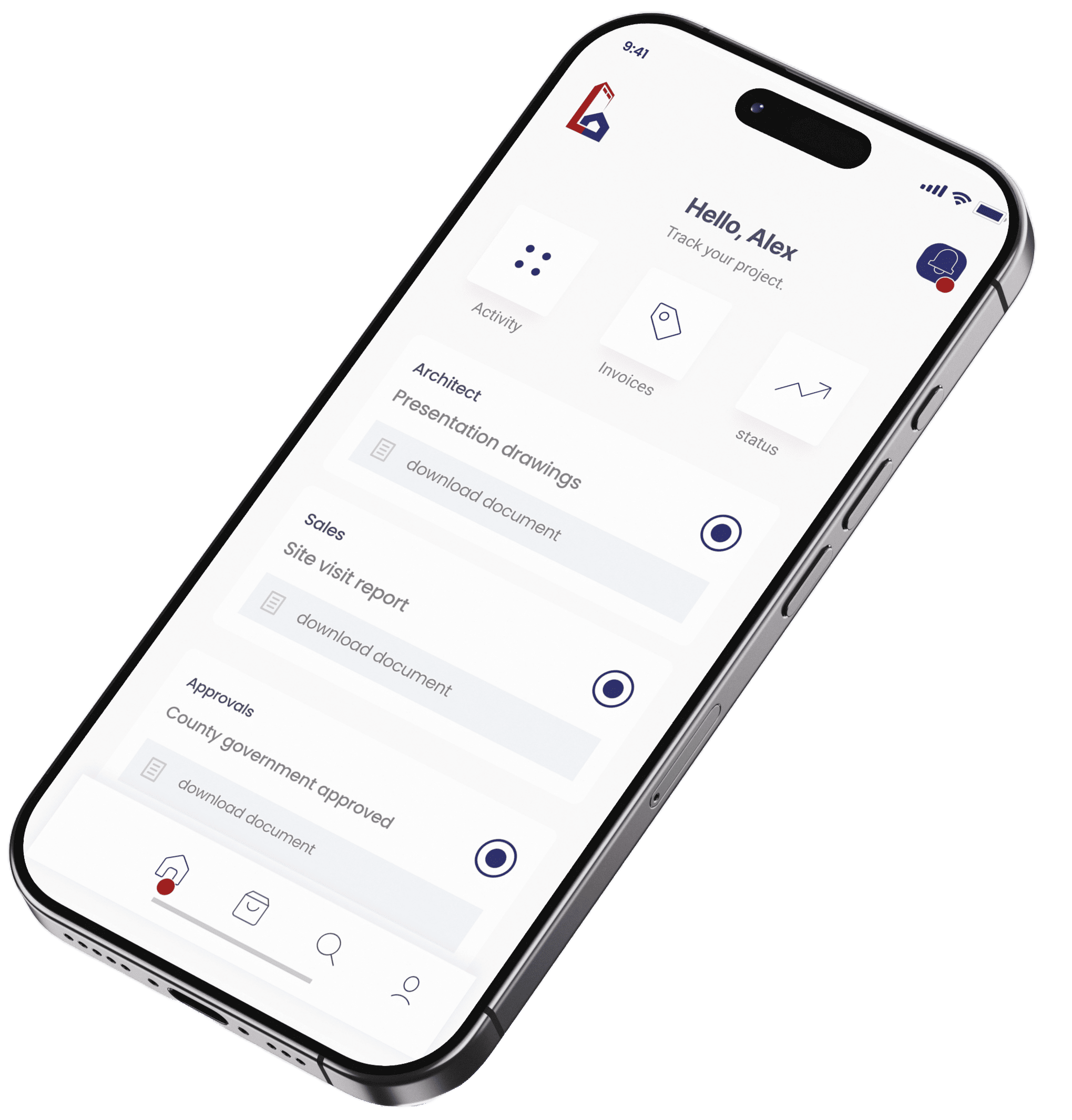
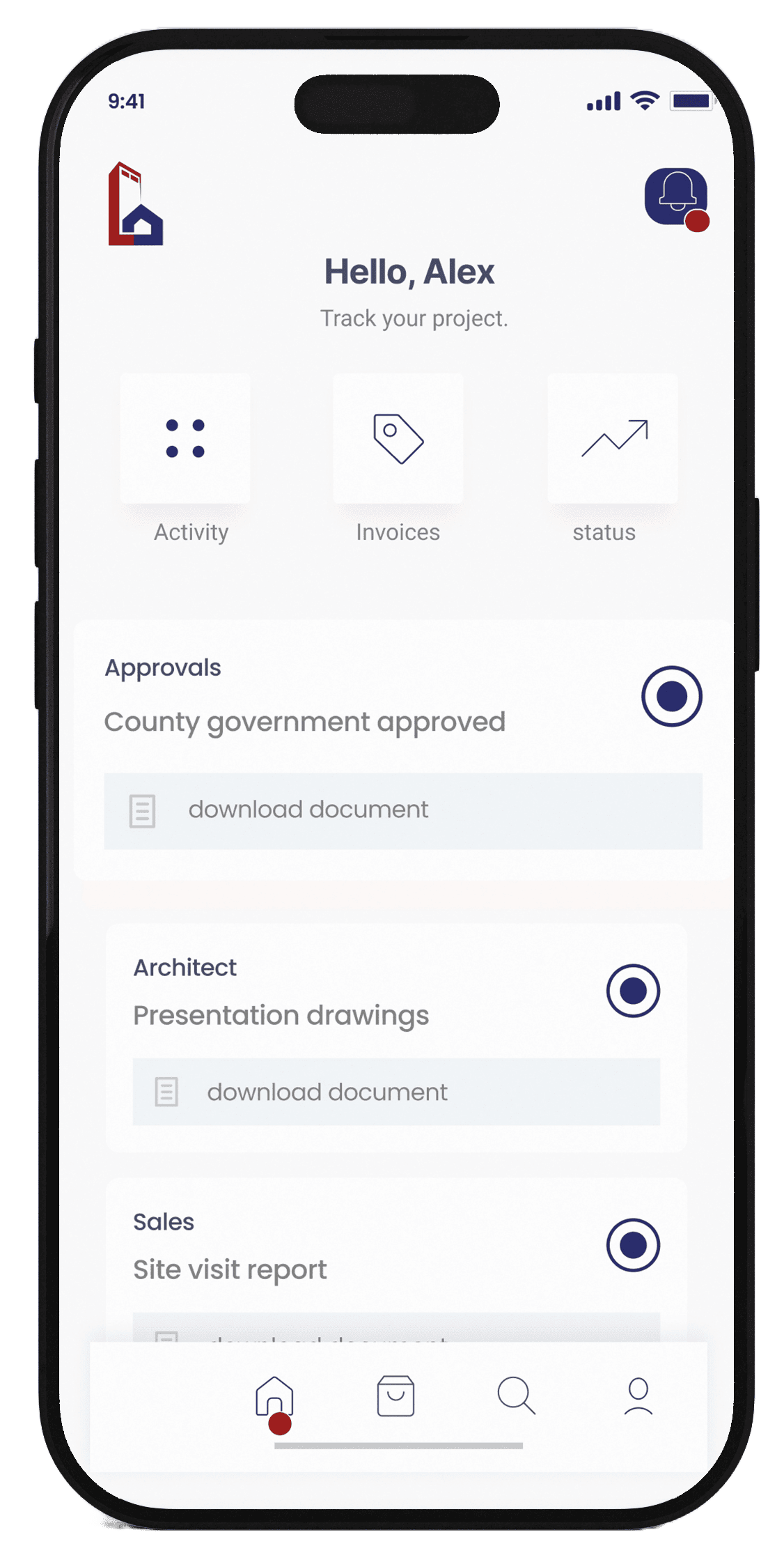
Drawings, approvals, permits and contracts. The current version, not the one sitting in somebody's email.
Drawings and approvals together
The architectural, structural and MEP sets, plus the county and NEMA approvals, filed where you can actually find them.
Always the current version
A superseded drawing is marked as superseded, so nobody on site builds off an old sheet.
Take a copy yourself
Upload a document or download one whenever you want. You do not have to ask anybody to email it to you.